Simple Cybersecurity Habits That Can Help Protect Your Digital Life
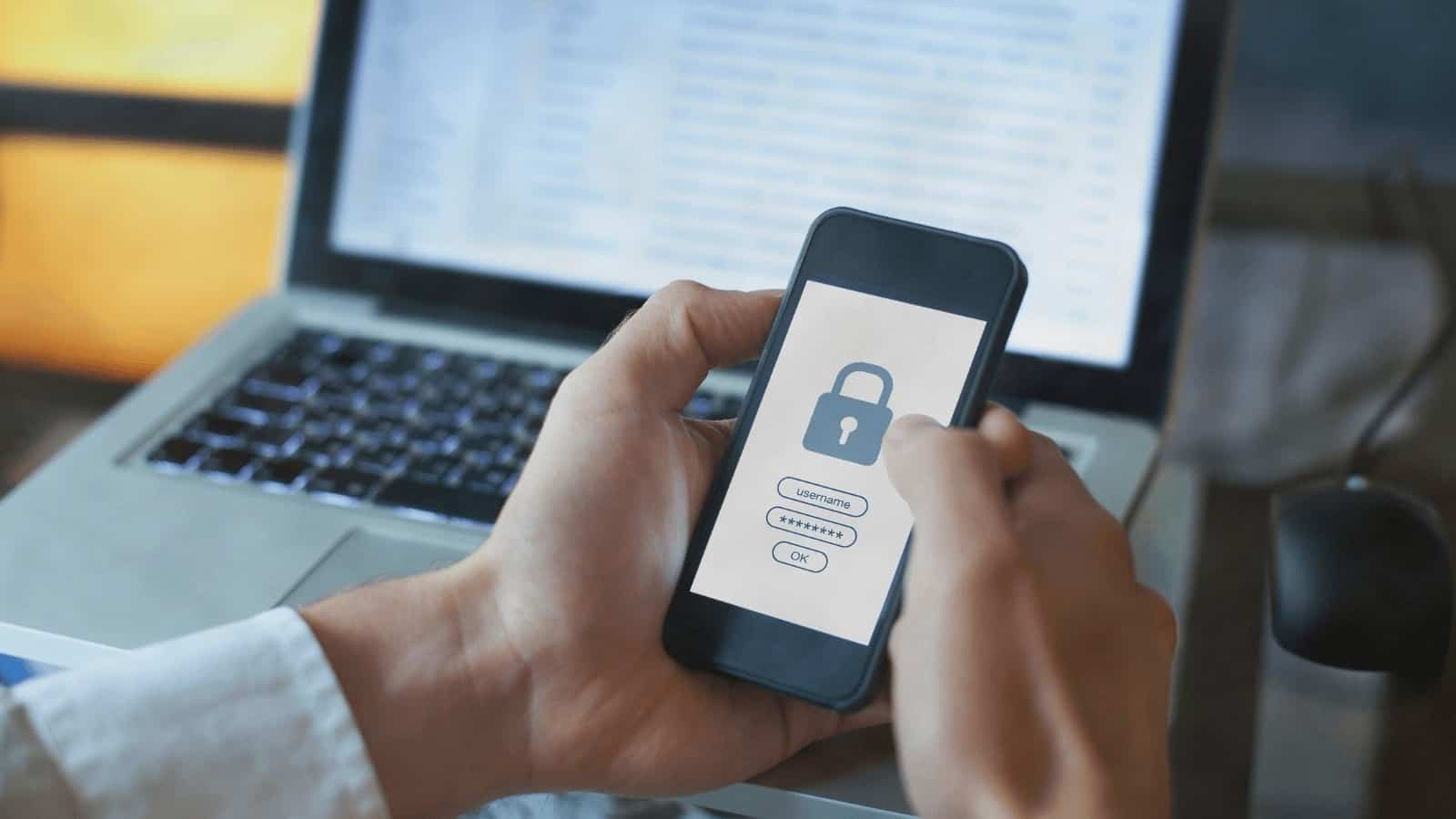
Digital technology makes many everyday activities easier. People use smartphones to manage finances, laptops to complete work, and online accounts to communicate, shop, study, and store important information. These services provide convenience, but they also create responsibilities.
Every connected device and online account can become a target for digital threats. A weak password, an unsafe download, or a misleading email can create problems for users who do not follow basic security practices.
Cybersecurity is not only a concern for large companies or technology experts. Ordinary internet users also need to understand how to protect their personal information. Fortunately, many useful security habits are simple enough to become part of a normal daily routine.
What Cybersecurity Means
Cybersecurity is the practice of protecting computers, mobile devices, networks, accounts, and digital information from unauthorized access, damage, or misuse.
It includes several areas, such as account protection, safe internet browsing, software updates, data security, and network protection.
For an individual user, cybersecurity may begin with something as basic as creating a strong password. For a business, it may involve employee training, access controls, secure backups, and professional security systems.
The goal is to reduce risks and make it more difficult for unauthorized people to access important information.
No security method can remove every possible threat. However, consistent protective habits can lower the chance of many common problems.
Create Strong and Unique Passwords
Passwords remain an important part of online security.
A weak password can make an account easier to access without permission. Using the same password across several websites can create an even bigger problem. If one service experiences a data breach, other accounts using the same password may also become vulnerable.
A better approach is to use a different password for every important account.
Passwords should be long and difficult to guess. Avoid using obvious information such as your name, birthday, phone number, or common words. A password manager can help create and store unique passwords without requiring users to memorize every one.
It is also important to protect the main password used for the password manager. That account should have strong security and additional verification wherever possible.
Turn On Multi Factor Authentication
Multi factor authentication adds another security step when someone signs in to an account.
Instead of relying only on a password, the service may request a code, an approval through an authentication application, or another form of verification.
This can help protect an account even if a password becomes known to someone else.
Users should enable this feature on important accounts, especially email, banking, cloud storage, and social media services.
When available, an authentication application or security key may provide stronger protection than text message codes. The best available option depends on the service and the user’s circumstances.
Never share verification codes with someone who contacts you unexpectedly. A person asking for a login code may be trying to gain access to your account.
Keep Your Devices and Software Updated
Software updates are not only about new features or visual changes. They can also include fixes for security weaknesses.
When manufacturers and software developers identify vulnerabilities, they may release updates to address them. Delaying these updates can leave a device exposed to problems that have already been addressed in newer versions.
Enable automatic updates when appropriate, and regularly check whether your operating system, browser, applications, and security software need attention.
Only download updates through official device settings or trusted sources. Unexpected pop ups claiming that your computer is infected should not be treated as reliable update instructions.
Keeping software current is one of the easiest ways to improve everyday digital safety.
Learn to Recognize Phishing Messages
Phishing is a common method used to trick people into revealing private information or opening unsafe links.
A phishing message may pretend to come from a bank, delivery company, online store, government department, or familiar service. It may claim that an account will be closed, a payment has failed, or an urgent problem needs attention.
The message often tries to create pressure so the recipient acts without thinking.
Before clicking a link, check the sender and the message carefully. Look for unusual addresses, unexpected attachments, spelling mistakes, and requests for passwords or payment details.
If a message claims to come from a company you use, visit the company’s official website directly instead of following the message link. You can also contact the organization through a verified phone number or support channel.
Download Applications From Trusted Sources
Applications can access important parts of a device, including photos, contacts, location, camera, microphone, and stored files.
Installing applications from unknown websites can expose users to harmful software or unnecessary privacy risks.
Whenever possible, download applications through official app stores or the software provider’s verified website. Before installing an application, review its developer information, permissions, user feedback, and privacy details.
Be cautious when an application requests access that does not appear necessary for its main function.
For example, a simple calculator may not need access to your contacts or microphone. Reviewing permissions can help you identify requests that deserve further attention.
Remove applications that you no longer use, especially if they have access to personal information.
See also: Short-Form Video Marketing for Business Growth
Use Public Wi Fi Carefully
Public Wi Fi can be useful in airports, hotels, cafes, libraries, and other shared spaces. However, users should be careful when connecting to unfamiliar networks.
Some networks may be poorly secured, and fake hotspots can be created to imitate legitimate services.
Avoid performing sensitive activities on networks you do not trust. If you need to access a banking or work account, consider using your mobile data connection or a trusted virtual private network service approved for your needs.
Always check the network name with the venue when possible. Do not assume that a network is safe simply because it uses the name of a familiar business.
Turn off automatic connection to unknown Wi Fi networks when it is not needed.
Protect Your Email Account
Email accounts deserve special attention because they are often connected to other online services.
Password reset messages, account notifications, shopping receipts, work documents, and personal conversations may all be stored in one inbox.
If someone gains access to your email, they may attempt to reset passwords for other accounts.
Use a unique password and multi factor authentication for your primary email account. Review account recovery options and remove phone numbers or email addresses that are no longer under your control.
Check the account’s recent sign in activity if the service provides that feature. If you notice unfamiliar access, change your password from a trusted device and follow the provider’s account security instructions.
Back Up Important Information
Cybersecurity also includes preparing for data loss.
A device can be damaged, stolen, infected with harmful software, or affected by a technical failure. Without a backup, important photos, documents, and work files may be difficult or impossible to recover.
Create regular backups of information that matters.
You can use an external storage device, a trusted cloud service, or a combination of both. Keep at least one backup separate from your main device so that a problem affecting the device does not automatically affect every copy.
Check your backups occasionally. A backup is only useful if the files can actually be restored.
For businesses, backup schedules and recovery procedures should be planned before an emergency occurs.
Review Privacy Settings on Social Media
Social media accounts can reveal more information than users realize.
Public posts may include personal interests, travel plans, family details, workplace information, and other clues. Some of these details could be misused in scams or unwanted contact.
Review privacy settings on social media platforms. Limit who can see personal posts, check who can send messages, and be selective about accepting connection requests from unfamiliar people.
Think carefully before sharing real time location updates or photographs that reveal private details.
Also review connected applications and third party account permissions. Remove access for services you no longer use or do not recognize.
A little attention to privacy can help reduce unnecessary exposure.
Secure Your Home Wi Fi Network
Home internet networks connect many devices, including computers, smartphones, televisions, cameras, and smart appliances.
If a home router uses weak security settings, connected devices may face unnecessary risks.
Change the router’s default administrator password and use a strong Wi Fi password. Keep the router’s software updated when updates are available. Use modern security settings supported by your equipment.
It may also help to create a separate guest network for visitors. This can keep guest devices apart from the main network used for personal computers and other important devices.
If you own smart home products, check their security settings and update them regularly.
Be Careful With Unexpected Attachments
Email attachments and downloaded files can contain harmful software.
An attachment may look like an invoice, document, delivery notice, or business file. However, its appearance alone does not prove that it is safe.
Be especially cautious when a file arrives unexpectedly or from an unfamiliar sender.
If you were not expecting the document, contact the sender through a separate trusted channel before opening it. Avoid enabling macros or other active content unless you understand why it is needed and trust the source.
Use reputable security software and keep it updated. If a file seems suspicious, do not open it just to find out what it contains.
Understand the Risks of Online Shopping
Online shopping requires users to share information such as names, delivery addresses, and payment details.
Before making a purchase, check whether the website appears legitimate. Review the web address carefully and look for clear contact information, return policies, and secure payment options.
Be cautious of offers that seem unusually attractive, especially when the seller uses pressure to encourage an immediate purchase.
Use payment methods that provide suitable protection and monitor account activity after transactions.
Avoid saving payment details on unfamiliar websites. When possible, use trusted payment services and keep transaction notifications enabled.
Protect Children and Family Members Online
Families can benefit from discussing digital safety together.
Children may receive messages from strangers, encounter misleading websites, or share personal details without understanding the consequences.
Parents and guardians can explain why passwords should remain private, why unknown links should not be opened, and why personal information should not be shared with unfamiliar people.
Age appropriate parental controls may help manage screen time, content access, and application downloads. However, technology settings work best when combined with open communication.
Family members should know how to report suspicious messages and ask for help when something online makes them uncomfortable.
What to Do If an Account Is Compromised
Even careful users can experience security problems. If you believe an account has been accessed without permission, act quickly.
First, use a trusted device to change the affected password. If the same password was used elsewhere, change it on those accounts too.
Sign out of unfamiliar sessions if the service offers that option. Review recovery details, enable multi factor authentication, and check for changes to account settings.
If financial information may have been exposed, contact the relevant bank or payment provider using an official contact method. Follow its instructions and monitor transactions for suspicious activity.
If a work account is involved, notify the organization’s IT or security team as soon as possible.
Readers looking for more technology information, practical guides, and digital topics can explore GizmoCrunch.org for additional reading.
Build a Simple Cybersecurity Routine
Security becomes easier when it is part of a regular routine.
Once a month, review important account activity, check application permissions, and confirm that automatic updates are working. Every few months, review passwords and recovery details for important accounts.
Back up important files regularly and check that the backup process is successful.
Before clicking a link or downloading a file, pause and consider whether the source is trustworthy. This simple habit can prevent many avoidable problems.
Businesses can also arrange regular staff training so employees understand common threats and know how to report suspicious activity.
Final Thoughts
Protecting your digital life does not require advanced technical knowledge. Many important security improvements come from simple actions, such as using unique passwords, enabling multi factor authentication, updating software, checking links, and backing up important files.
Online threats continue to change, so users should remain alert and review their security habits regularly. No single tool can guarantee complete protection, but a combination of sensible practices can reduce many common risks.
The most important step is to treat digital security as an everyday responsibility. When users understand basic risks and make careful choices, they can enjoy the benefits of modern technology with greater confidence.