How to Prepare a BOM That Keeps PCB Assembly Moving
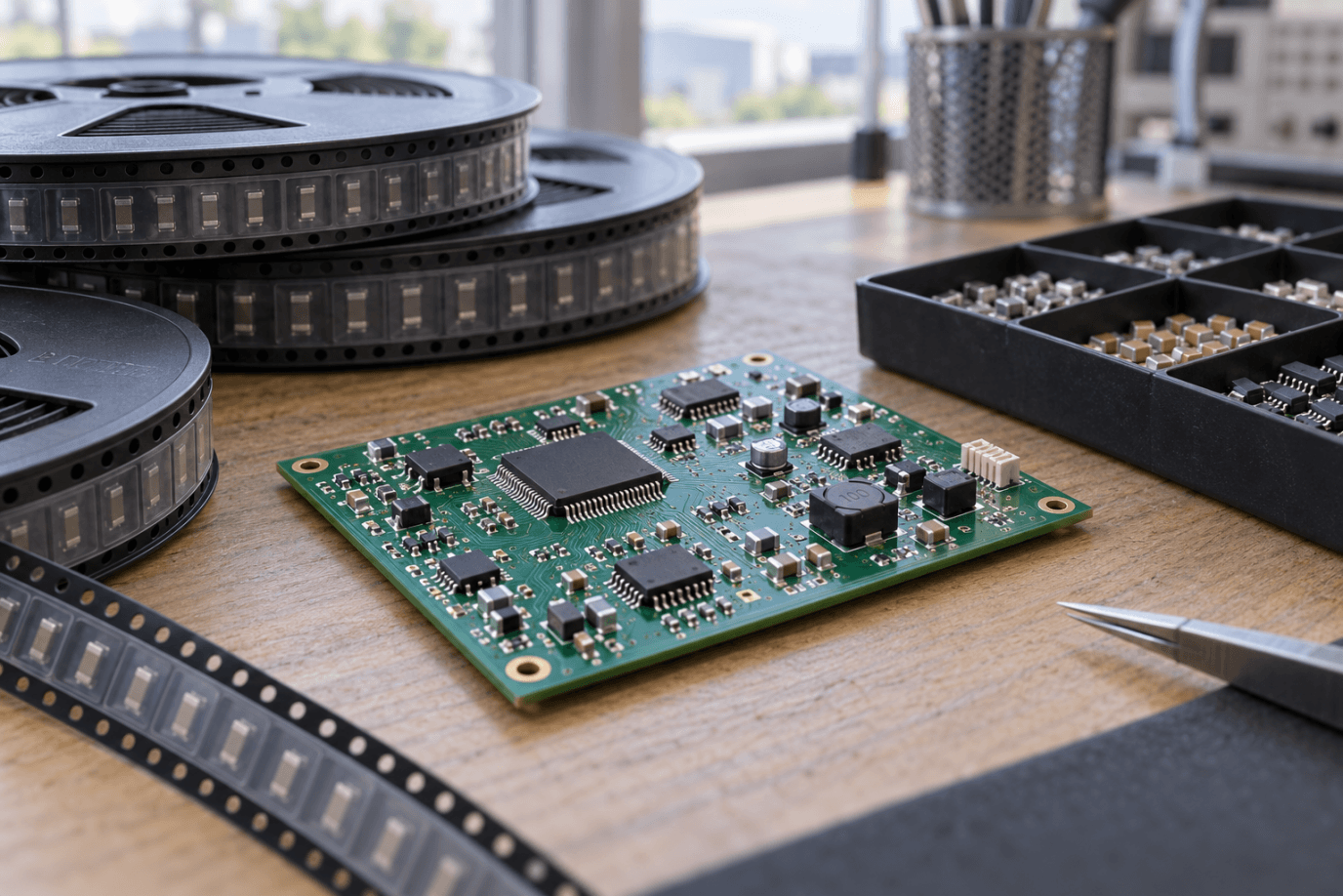
A bill of materials can look complete to the engineer who designed the board and still be difficult for a purchasing or assembly team to use. The engineer knows which connector variant was tested, why one capacitor was selected, and which unpopulated positions are intentional. A spreadsheet containing short descriptions and distributor links may not communicate any of those decisions.
The result is often a familiar sequence: a quote arrives with assumptions, a component becomes unavailable, somebody proposes a replacement, and production pauses while the design team reconstructs its original intent. A useful BOM prevents that reconstruction. It identifies what to buy, where to fit it, which alternatives are approved, and what requires further review. Preparing it well is a practical way to reduce avoidable delays without compromising engineering control.
Give every installed part an unambiguous identity
For purchased electronic components, the manufacturer and complete manufacturer part number should normally be the primary identity. A distributor stock code is useful purchasing information, but it should not be the only identifier. Different distributors can sell the same component under different internal numbers, while similar catalog descriptions may refer to different packages or ratings.
Check the full suffix. Packaging, temperature grade, lead finish, and other options may be encoded in characters that look unimportant at first glance. A familiar base number is not enough to establish that two orderable parts are identical. Match the orderable item to the approved datasheet and the footprint used on the board.
For custom items, include the controlled drawing or specification and its revision. A transformer described only as “custom transformer” leaves the assembler with no reliable purchasing instruction. Ownership of the drawing and approval of changes should be clear before the item becomes a scheduling problem.
Connect purchasing information to actual board positions
Each BOM line should identify the relevant reference designators, quantity per board, and assembly variant. Verify that the quantity agrees with the listed positions. A simple count mismatch is easy to fix before ordering and more expensive after parts have been purchased for an entire batch.
Treat do-not-populate positions explicitly. Leaving a line blank or deleting it can make an intentional omission look like a data error. Use one consistent convention and make sure it matches the assembly drawing and placement data. If several product variants share one PCB, provide a clear population matrix rather than relying on comments scattered through a spreadsheet.
Placement data serves a different purpose from the BOM. The BOM identifies the components; the placement file describes locations, board sides, and rotations in the format the assembler accepts. Both should come from the same approved design revision. Neither document automatically corrects errors in the other.
Use descriptions to support identification, not replace it
A good description helps a reviewer notice mistakes. For a resistor, useful fields may include resistance, tolerance, power rating, and package. For a capacitor, capacitance alone is insufficient; voltage rating, dielectric type, package, and relevant performance characteristics can matter. Connectors need attention to pitch, orientation, mating arrangement, and mechanical details.
Descriptions should remain consistent with the actual part number. If the text says one value and the part number resolves to another, the supplier must ask which is correct. Do not expect a buyer to decide whether the description or number reflects the designer’s intention.
Avoid turning the BOM into an uncontrolled copy of every datasheet parameter. Record the properties needed to identify and review the part, then maintain the authoritative technical information in the approved component documentation. This keeps the spreadsheet usable while preserving engineering detail where it belongs.
Define alternatives before availability becomes urgent
An approved alternative is a component that has passed the relevant review, not simply one that fits the footprint. Electrical limits, startup behavior, timing, thermal performance, mechanical dimensions, and firmware dependencies may all affect interchangeability. The scope of review depends on the component and circuit.
A regulator with the same nominal output voltage can still behave differently under transient loads. A connector with the same pin count may have a different mating height. A capacitor with the same printed capacitance can provide different effective capacitance under operating bias. Purchasing similarity is a starting point for review, not proof of equivalence.
Maintain a distinction between approved alternatives and candidates awaiting evaluation. Assign an owner who can approve substitutions and define what evidence is required. If approval is limited to one build or customer configuration, record that limit instead of allowing a temporary exception to become the permanent default.
Review supply risk at the line-item level
The cheapest BOM total can conceal a single component that controls the entire delivery date. Review availability, order multiples, minimum purchase quantities, lifecycle status, and delivery commitments for the parts that matter most. A stock indication is time-sensitive and should not be treated as a reservation.
Pay particular attention to specialized connectors, programmable devices, custom magnetics, and parts with limited approved sources. These are examples of items that may deserve early review, not a universal list of the longest-lead components. Actual risk comes from the specific design and current supply situation.
Discuss purchasing commitments before authorizing them. Non-cancelable orders, excess inventory, and reel quantities can remain after a design changes. Agree on who owns those costs and how unused material will be stored, returned, or applied to later builds.
When assessing turnkey PCB assembly services, ask how shortages, alternate-part approvals, and excess inventory are handled. Consolidating purchasing and assembly can simplify coordination, but the customer still needs a clear process for decisions that affect the product.
Choose a sourcing arrangement with defined responsibilities
Some projects use customer-supplied components, some use supplier purchasing, and some combine the two. None of these models removes the need for a responsibility list. Identify who orders each item, verifies incoming material, provides shortage replacements, and approves a change of source.
For consigned parts, agree on the required overage, acceptable packaging, identification, and delivery date. The extra quantity needed for setup and handling depends on the component and process; a universal percentage can be misleading. Ask the assembler for a line-item or package-based requirement where appropriate.
Include handling information for sensitive or previously opened material. Components arriving without clear identification or relevant storage history may require review before use. Do not assume that loose parts from a laboratory drawer are equivalent to material delivered in suitable production packaging.
Make the quote disclose its assumptions
A quotation should distinguish component cost, PCB cost, assembly labor, setup, testing, programming, and other applicable services. This does not mean every supplier must use an identical commercial template. It means the buyer should understand what is included and what has been left open.
Ask for a shortage or exception list with the quote. If a component is priced using an alternative, that alternative should be visible. If a price depends on purchasing a larger quantity than the build consumes, identify the remaining inventory and its ownership.
When discussing PCB assembly services, provide the BOM together with placement data, assembly instructions, quantities, and the required test scope. A component spreadsheet alone cannot describe the full manufacturing task, particularly when boards need programming, calibration, or manual operations.
Control changes after purchasing begins
A revised BOM should carry a new revision or another unambiguous change identifier. Explain what changed, why it changed, and which units or orders are affected. Sending a replacement spreadsheet without a change summary forces the supplier to discover the difference and creates opportunities for misunderstanding.
Before approving a change, ask about material already ordered, boards already fabricated, and assemblies already in progress. The right action may differ for each group. A new component footprint, for example, can affect both purchasing and the PCB, while a firmware update may leave the physical board unchanged.
Record the final as-built configuration. The released BOM expresses intent; the manufacturing record should show approved substitutions and exceptions actually used. This distinction matters when diagnosing field behavior or preparing a repeat order months later.
Use a short release review before sending the package
Have somebody other than the original author review a few representative lines from start to finish. Can that person identify the exact orderable component, locate it on the board, determine whether it is fitted in this variant, and understand the substitution rule? If not, improve the package before scaling up the review.
Then check the complete file for duplicate designators, missing manufacturers, inconsistent quantities, unapproved alternatives, and mismatched revision information. Automated checks can help with repetitive errors, while engineering review handles questions that depend on circuit behavior.
A production-ready BOM does not have to be elaborate. It has to make decisions visible. When the purchasing team knows what is approved and the assembly team knows exactly what belongs on each board, fewer questions reach the factory floor as emergencies. That is the real value of BOM preparation: turning undocumented knowledge into instructions that another team can reliably execute.